

Related products
-
Sale!
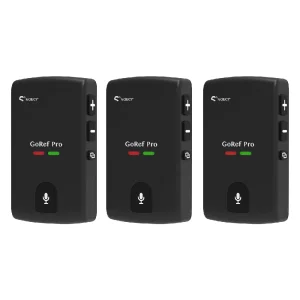 GoRef Pro Headsets
3-Pack GoRef Pro Football Soccer Volleyball Referee Headsets
Original price was: $597.00.$447.00Current price is: $447.00. Select options This product has multiple variants. The options may be chosen on the product page -
Sale!
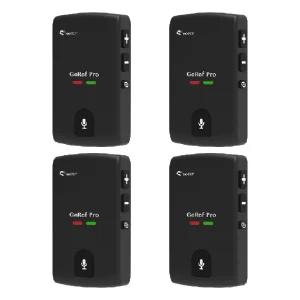 Referee
4 Pieces Set GoRef Pro Referee Headsets 6 Users Talking Audio Record
Original price was: $796.00.$596.00Current price is: $596.00. Select options This product has multiple variants. The options may be chosen on the product page -
Sale!
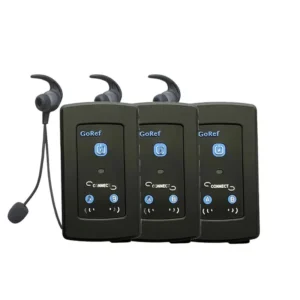 GoRef Referee Intercom
3 Pieces Set GOREF Football Referee Intercom Headset 1200M Full Duplex Referee Communication Headsets
Original price was: $360.00.$297.00Current price is: $297.00. Add to cart -
Sale!
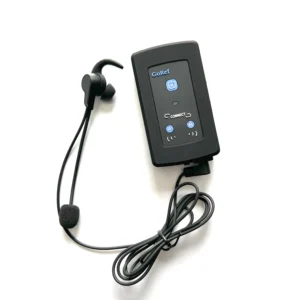 GoRef Referee Intercom
GoRef Football Volleyball Ice Hockey Referee Headset Intercom
Price range: $218.00 through $436.00 Select options This product has multiple variants. The options may be chosen on the product page
Product Specifications
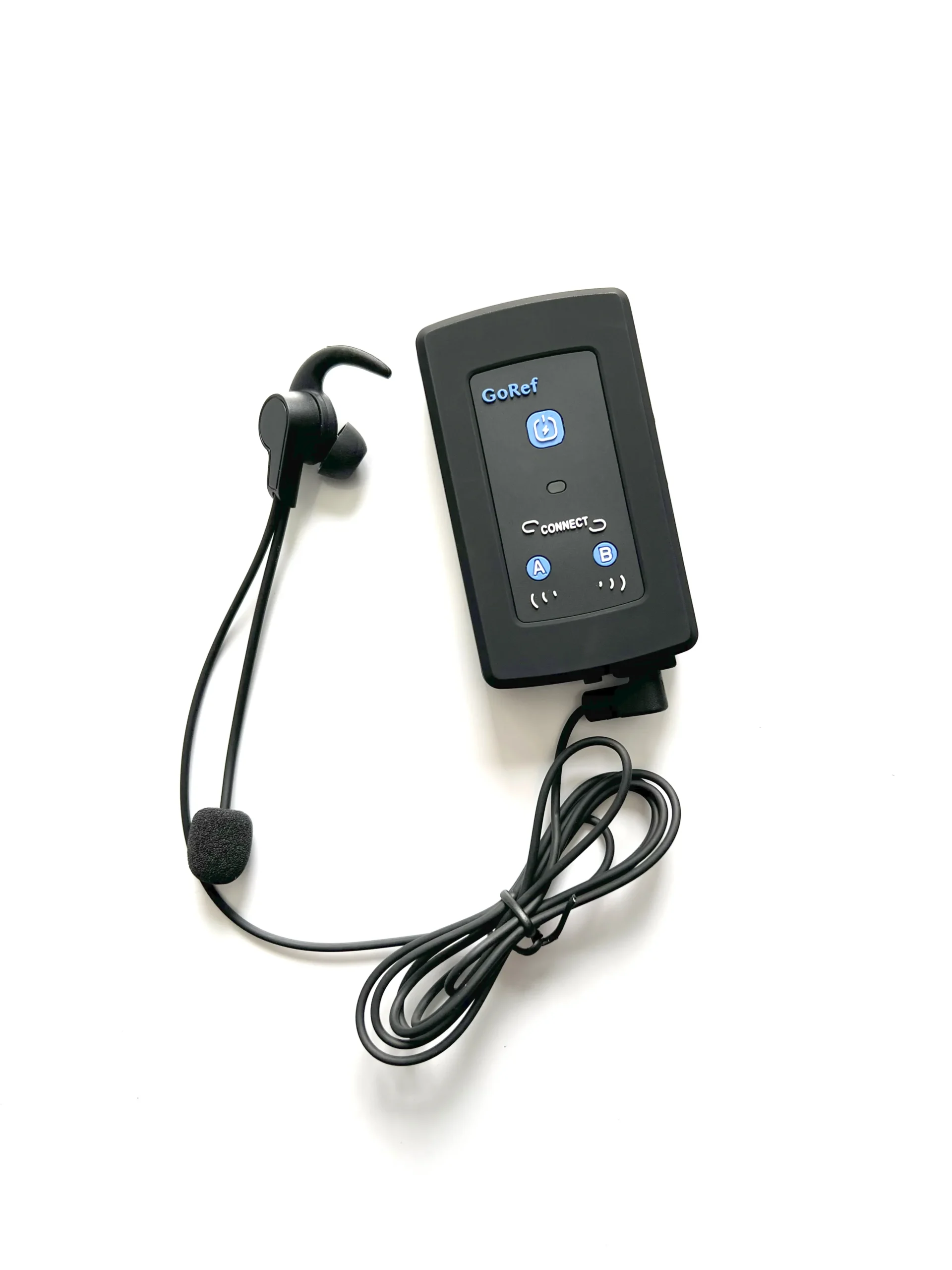
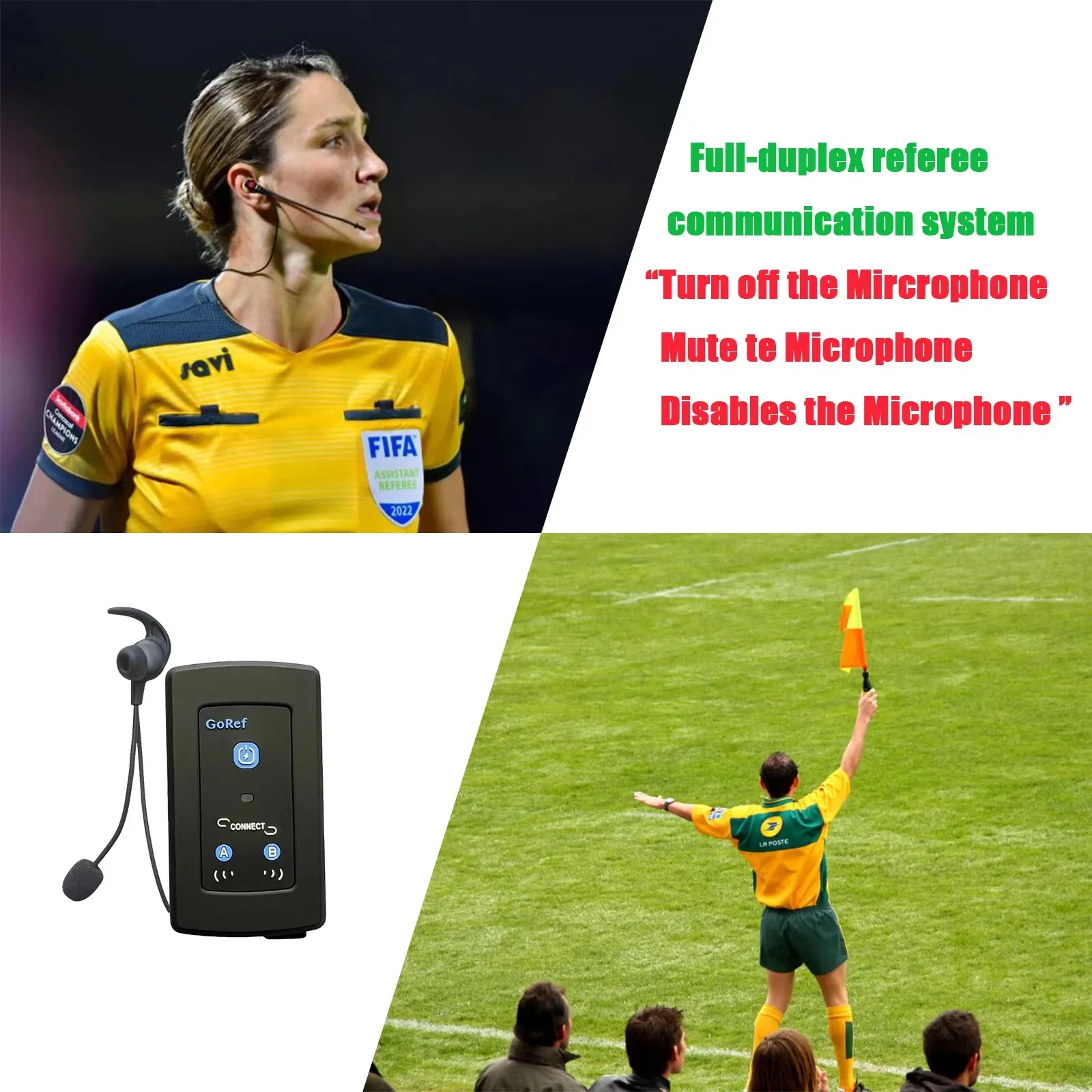
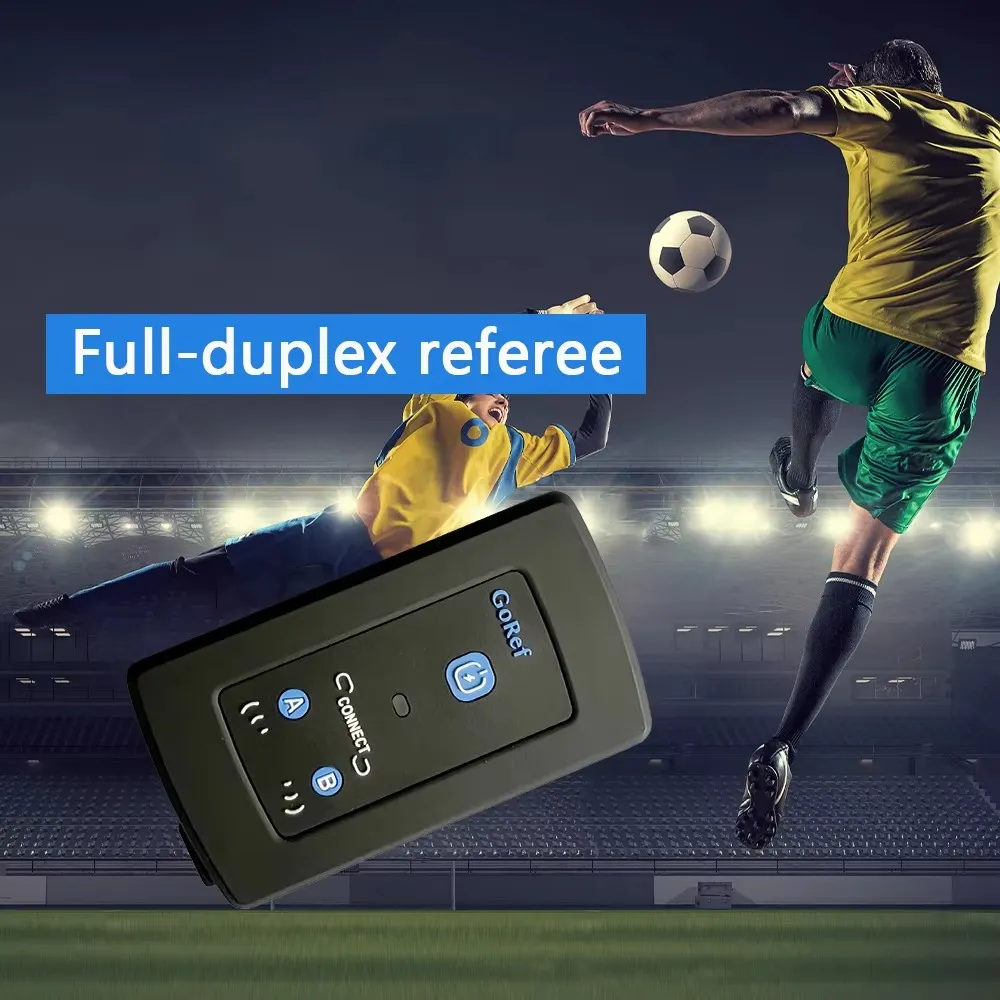
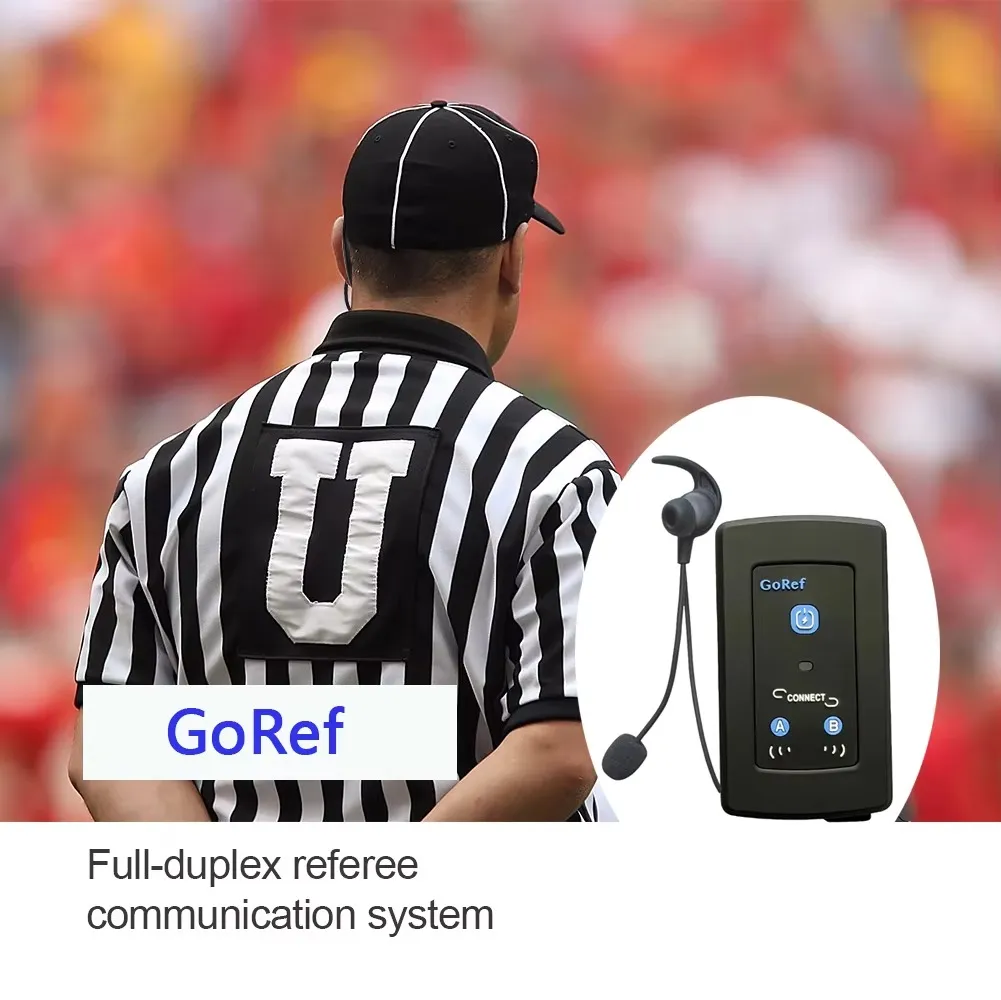
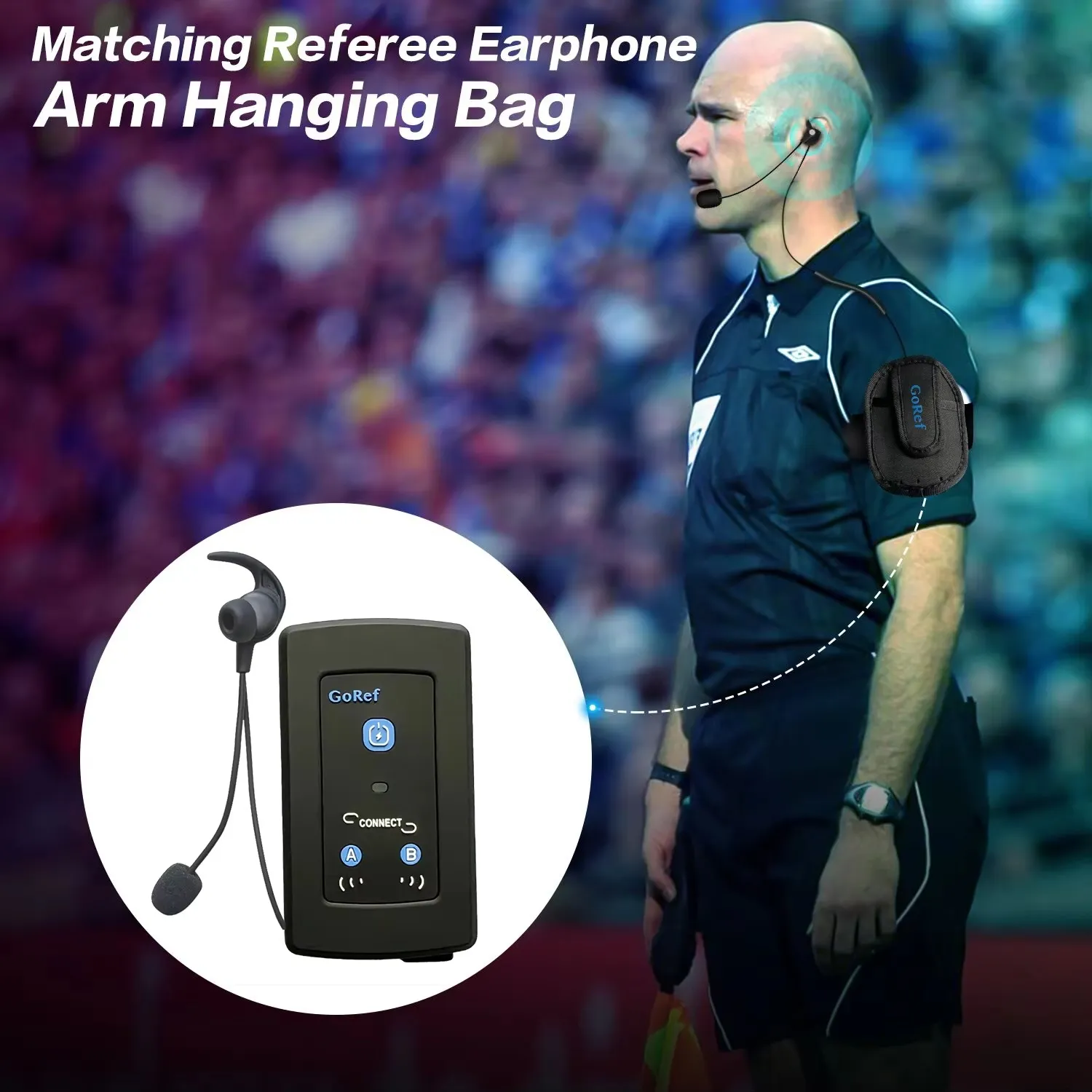
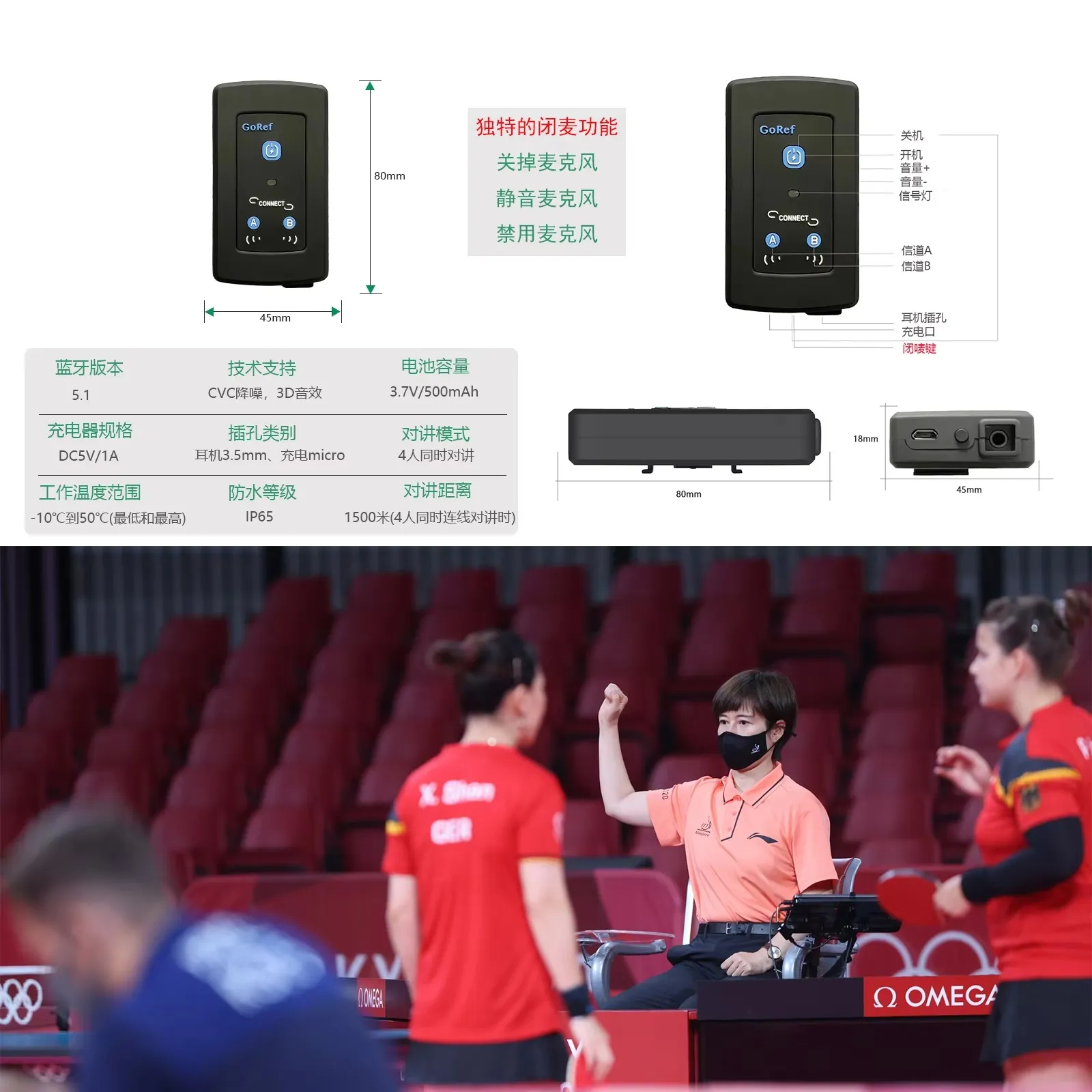
| Features | Hands-free Bluetooth with one-button mute for referees |
| Item Weight | 0.3 kg |
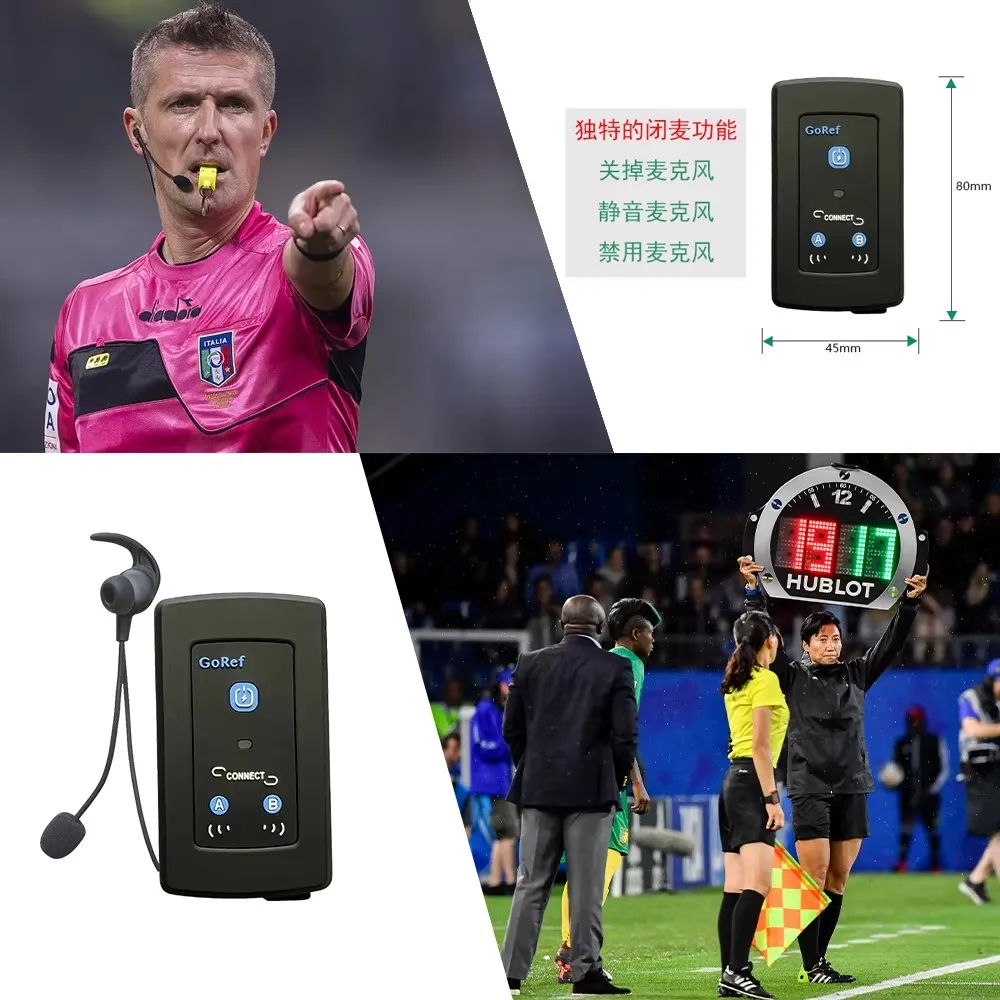
| Item Dimensions | 2.2 cm (H) × 8.9 cm (L) × 5.4 cm (W) |
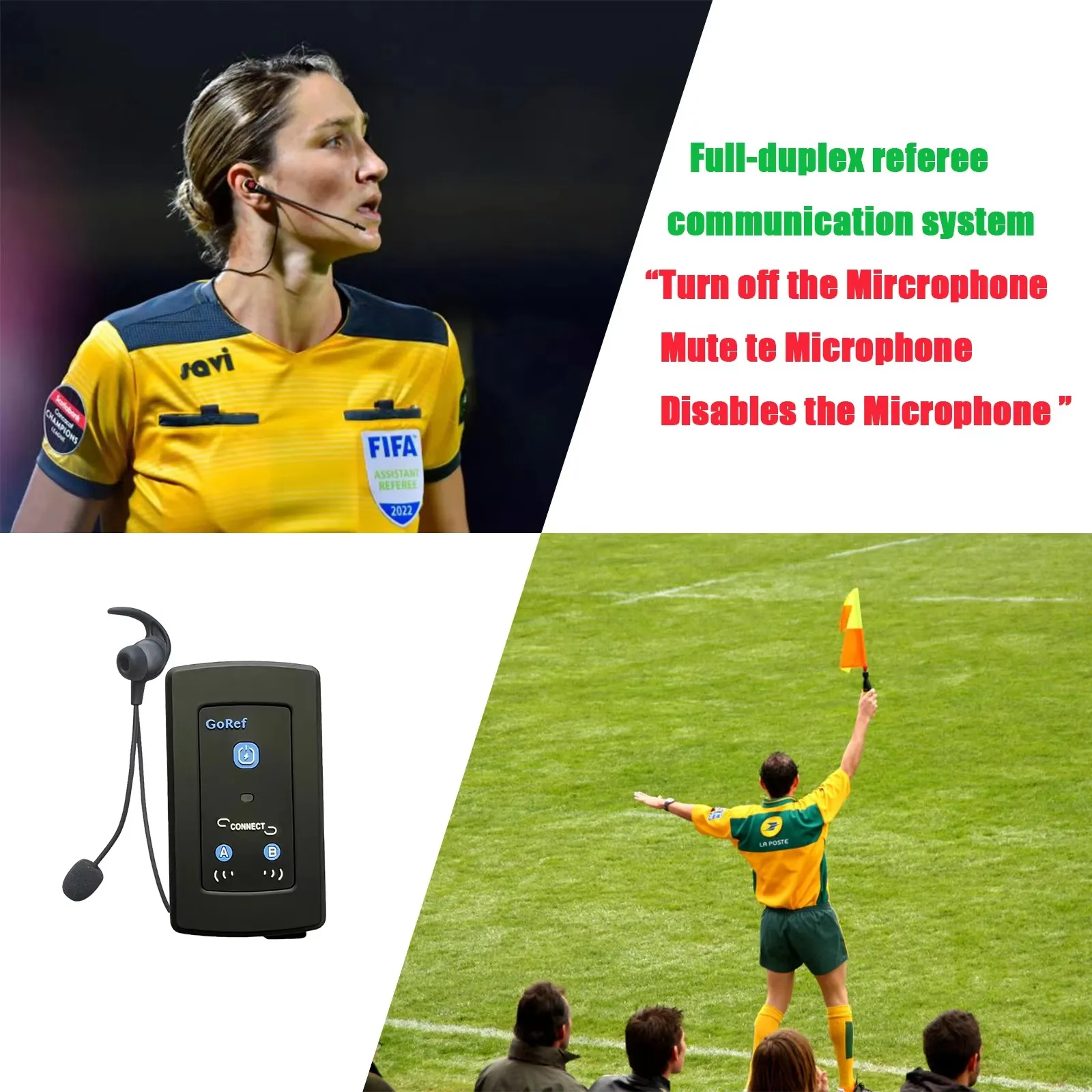
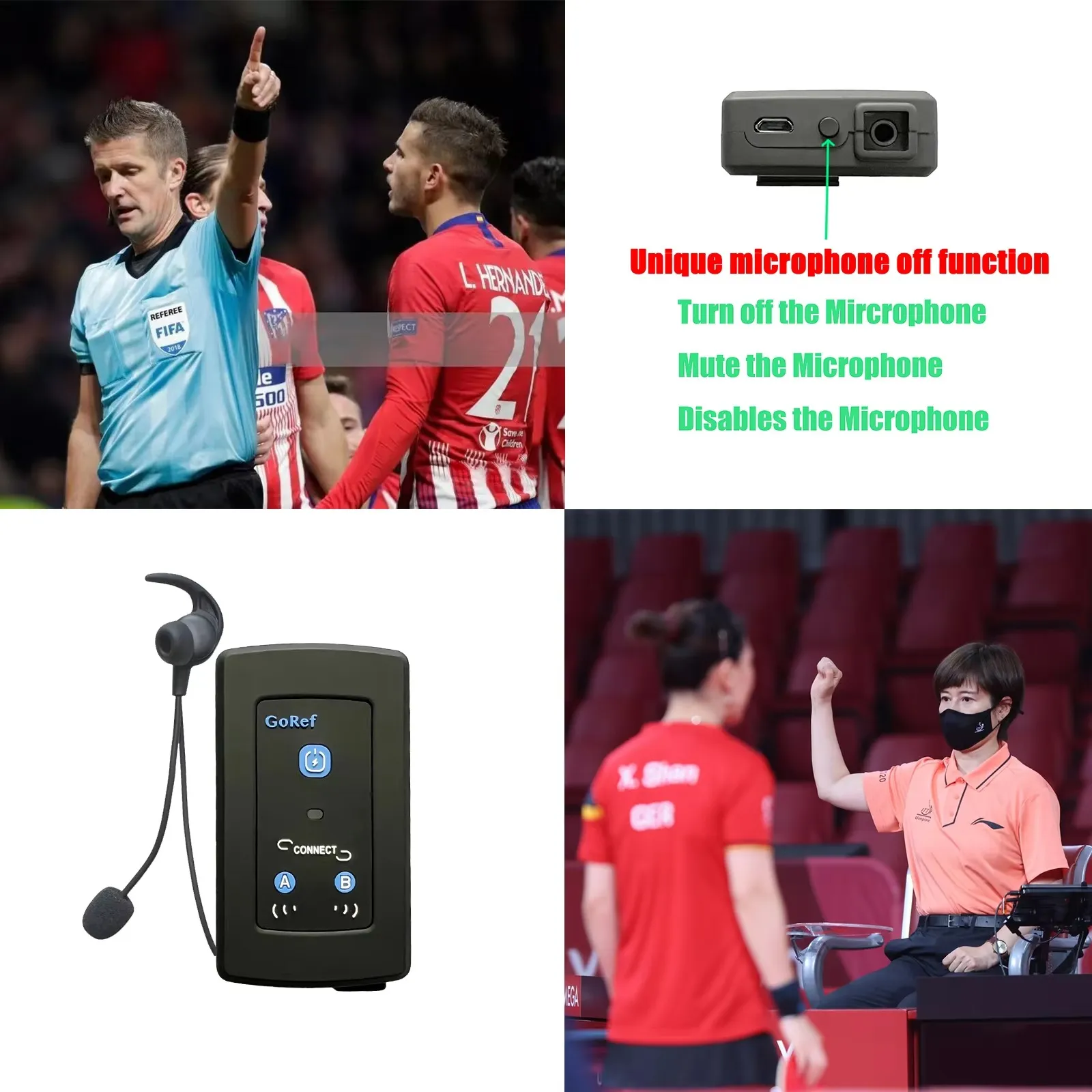
| Special Function | Noise Reduction, One-Button Mute Microphone |
| Connection Mode | Bluetooth 5.1 |
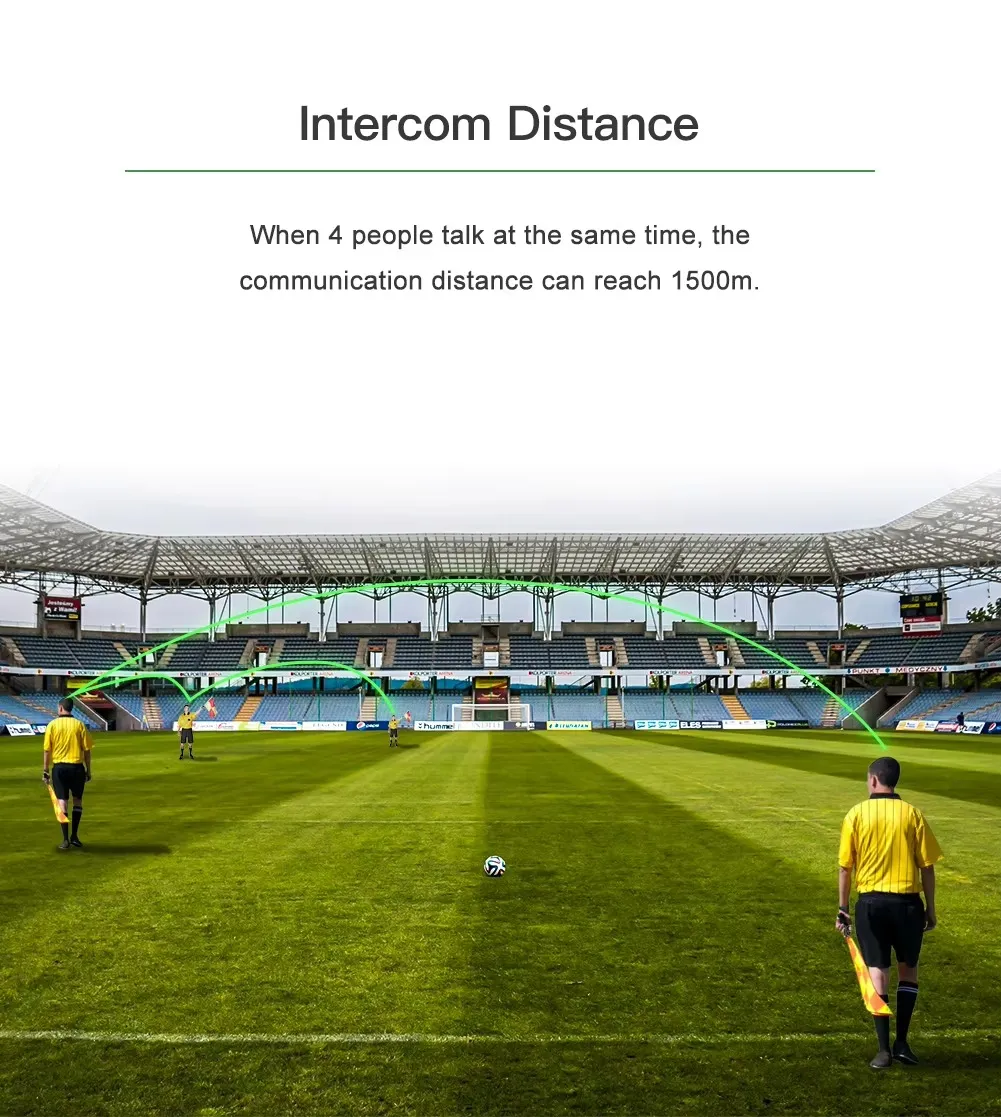
| Max Number of Speakers | 4 |
| Certification | CE |
| Origin | Mainland China |
| Battery | 3.7V / 500mAh Lithium |
| Talk Time | More than 12 hours |
| Standby Time | 200+ hours |
| Charging Time | 2 hours |
| Charging Port | Micro USB |
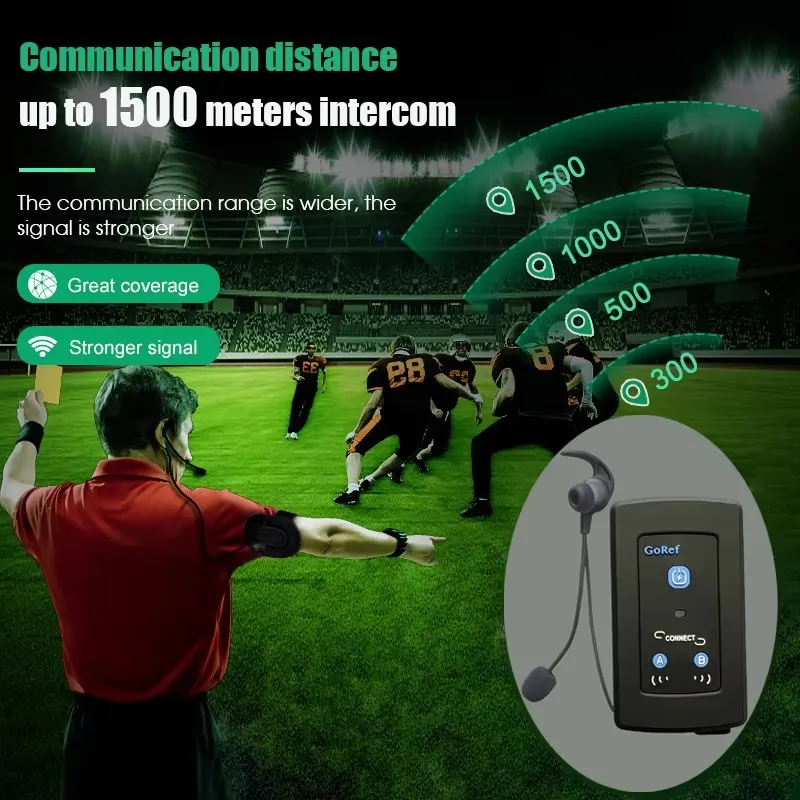
| Max Talking Range | 1200 meters (with 4 devices connected ideally) |
| Stereo Audio Support | A2DP-enabled cell phone / MP3 / GPS |
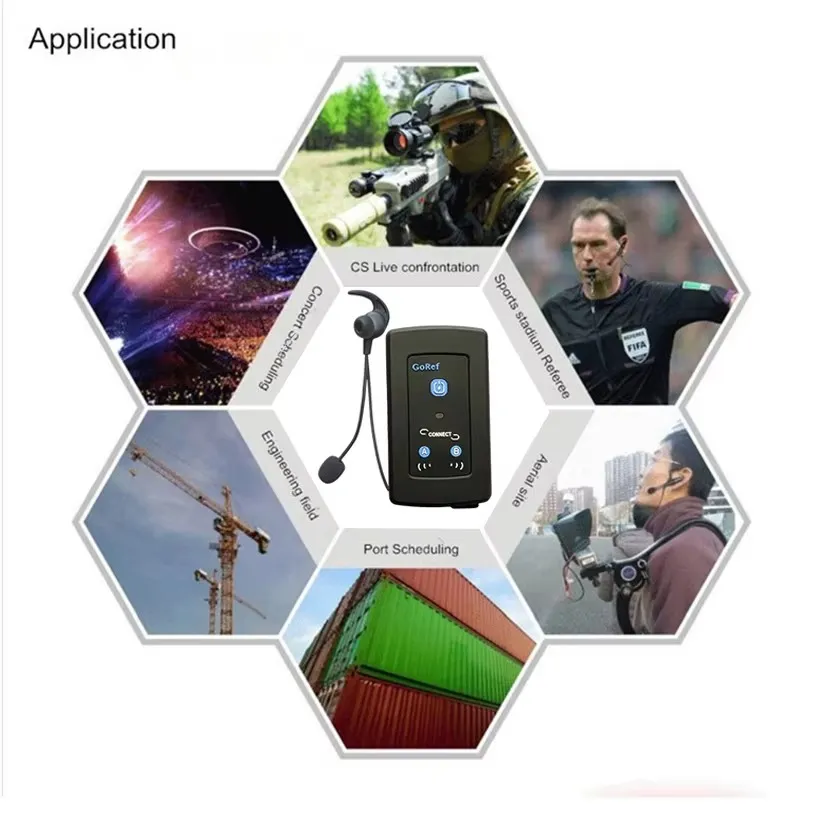
| Recommended For | Football, Volleyball, and Ice Hockey Referees, etc. |
🔧 GoRef Referee Intercom – Frequently Asked Questions
Q1: Do I have to pair the GoRef intercom every time I use it?
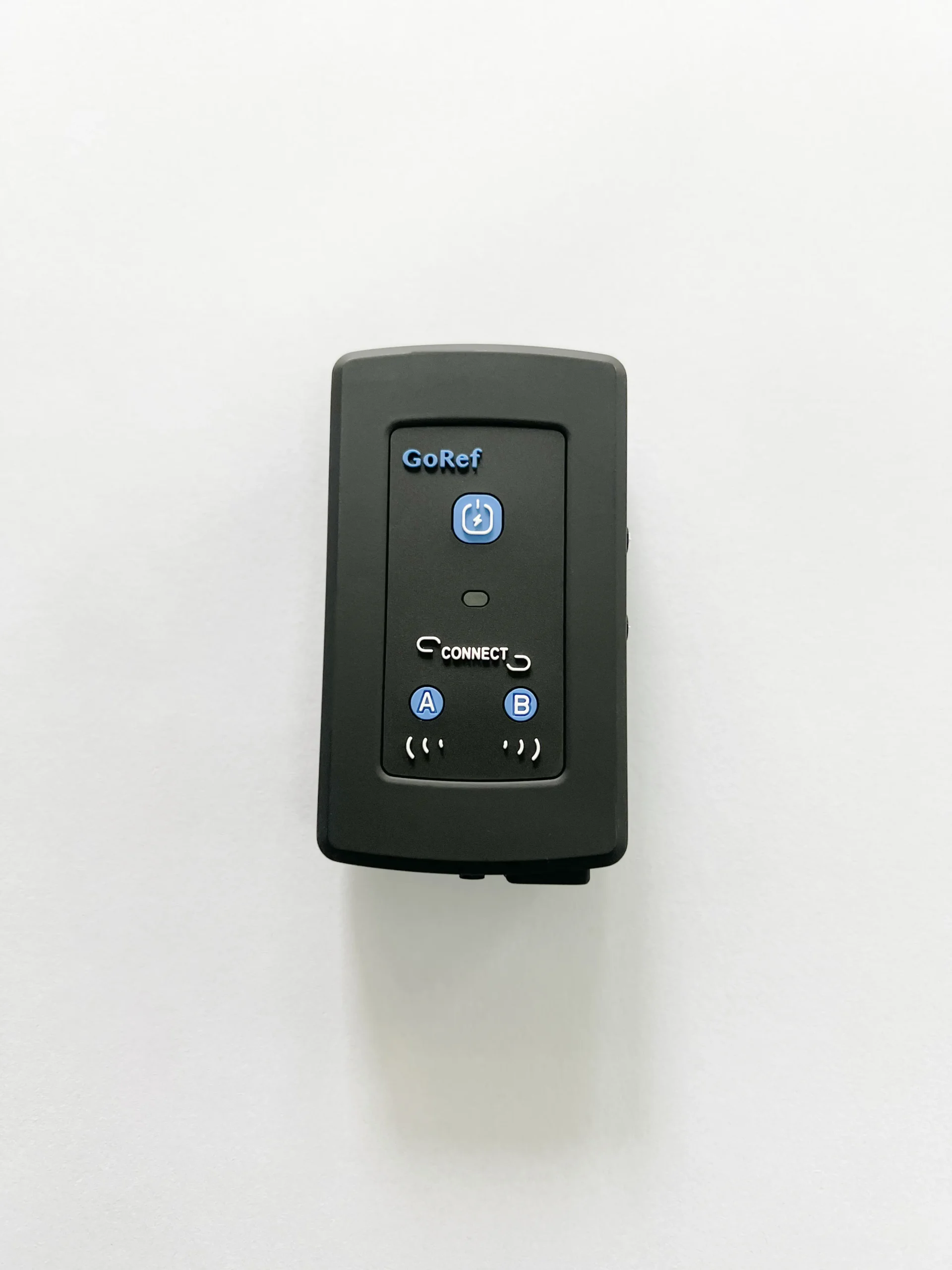
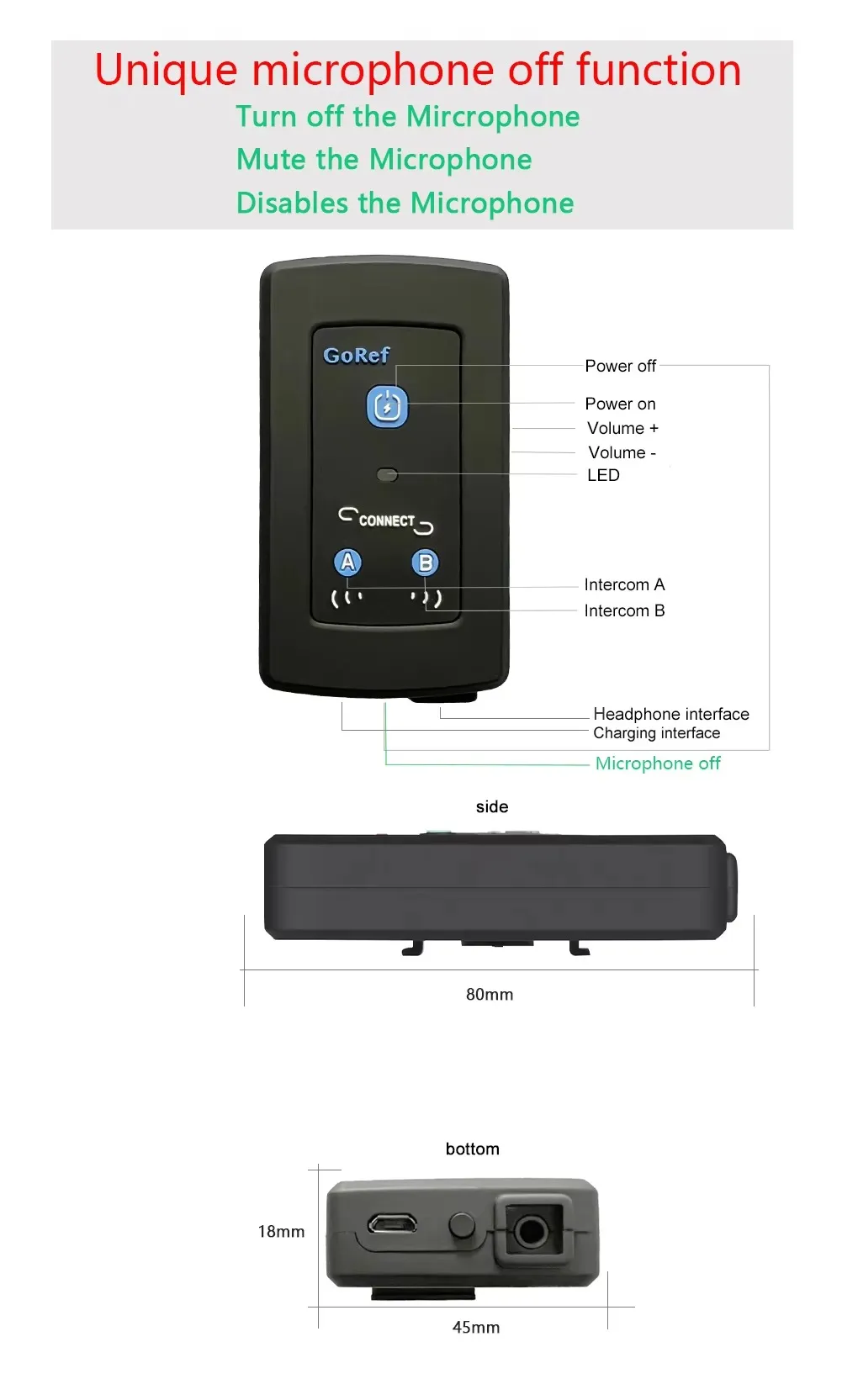
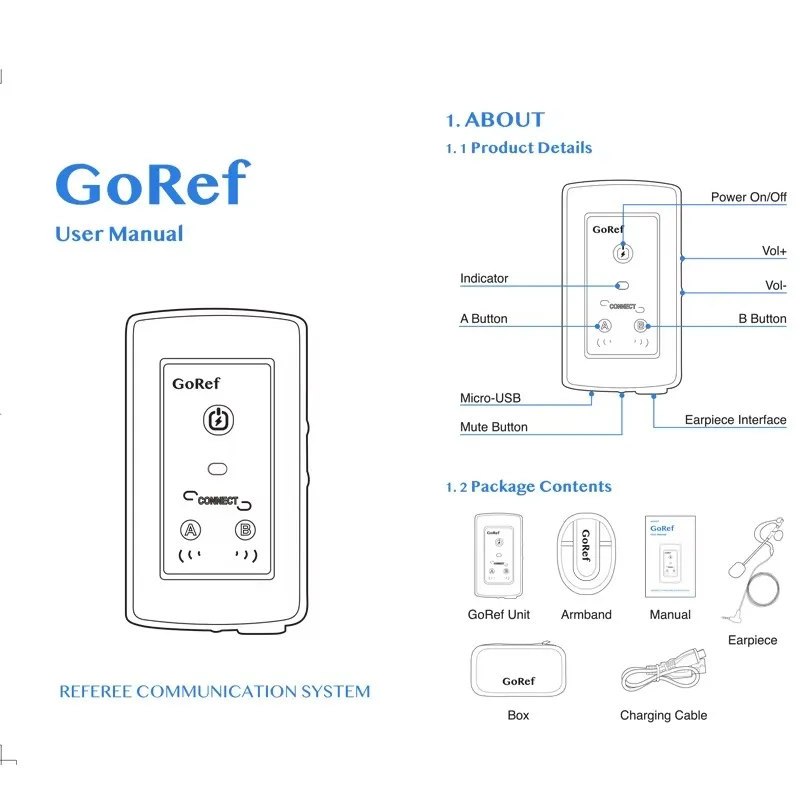
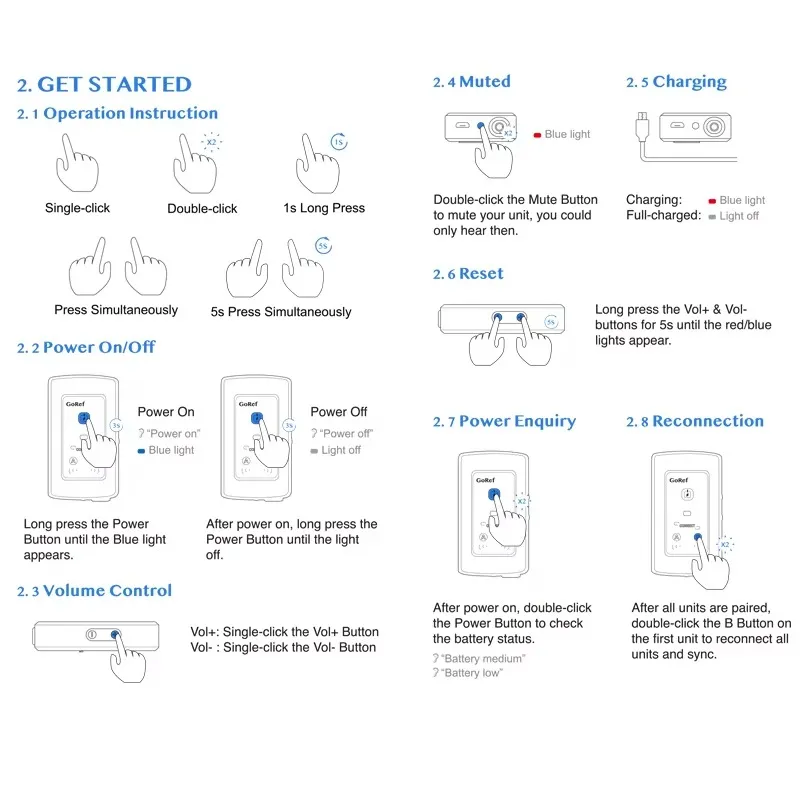
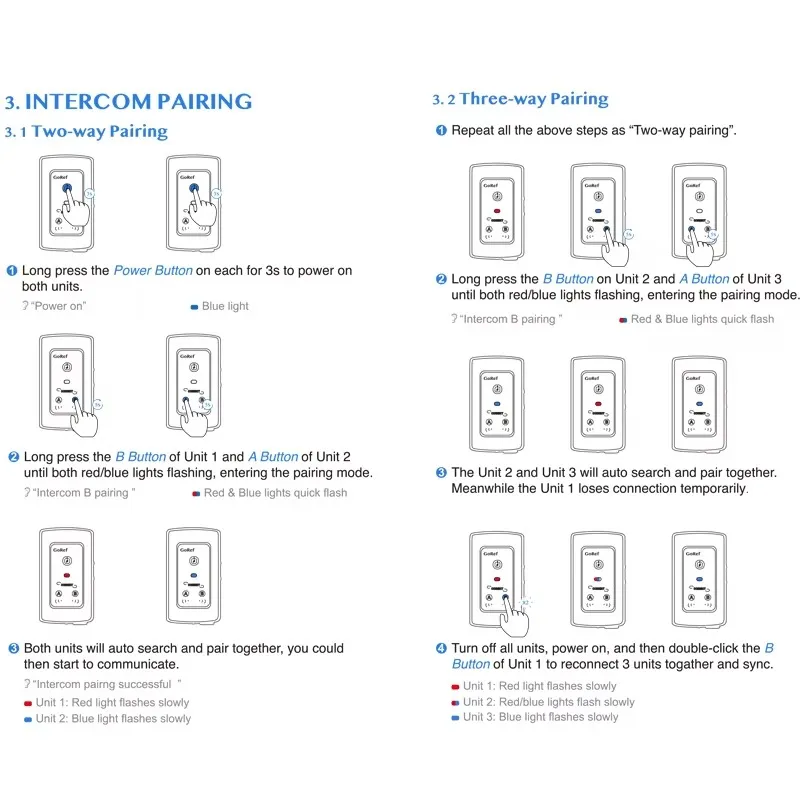
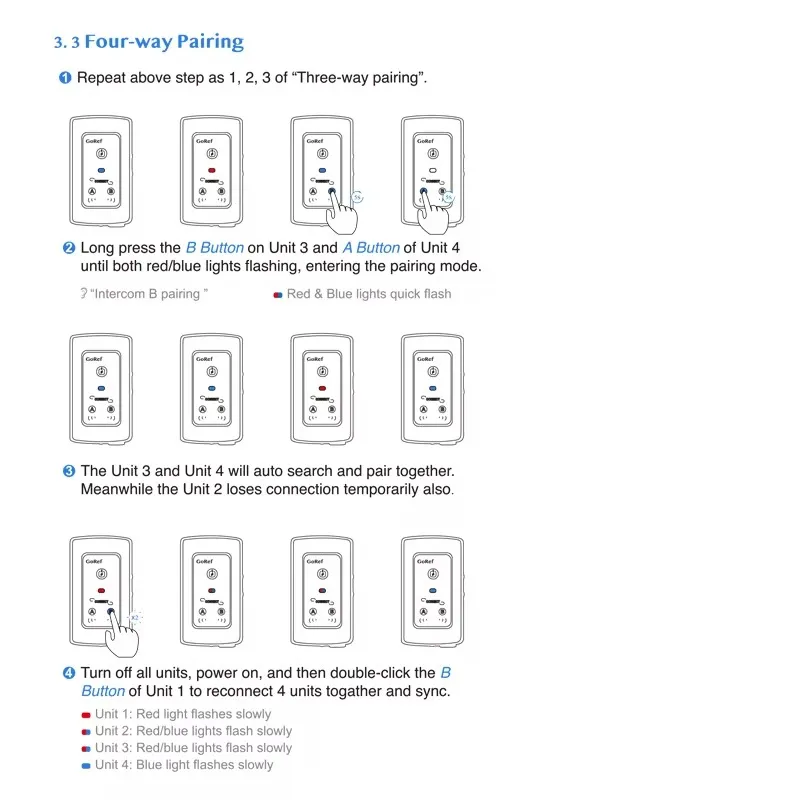
A: No. After the first pairing, just double-click the B button on unit #1 device to reconnect all devices automatically.
Q2: How do I reset the GoRef intercom to factory settings?
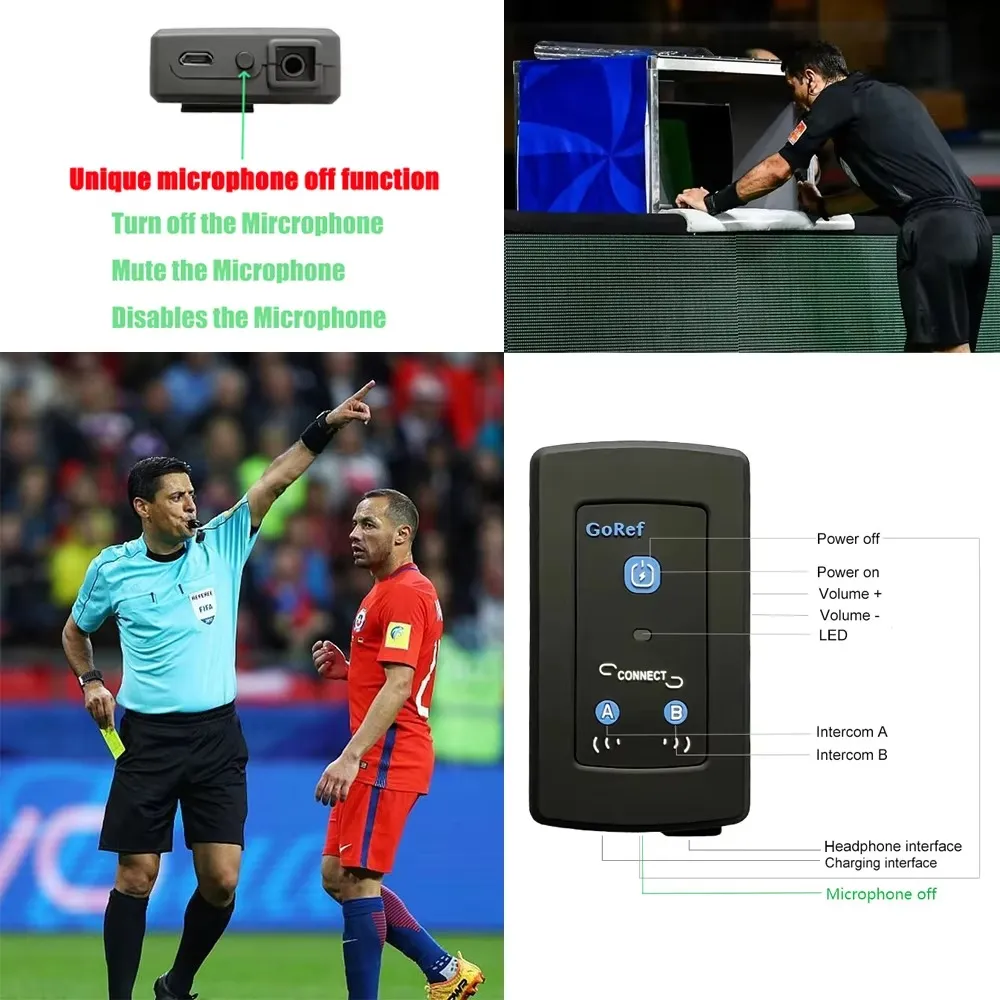
A: Press and hold both the Volume + and Volume – buttons on the right side of the device until the LED indicator flashes red and blue.
Q3: How can I check the battery level?
A: After turning on the device, simply click the power button once, and the device will announce the battery level in English through the earpiece.
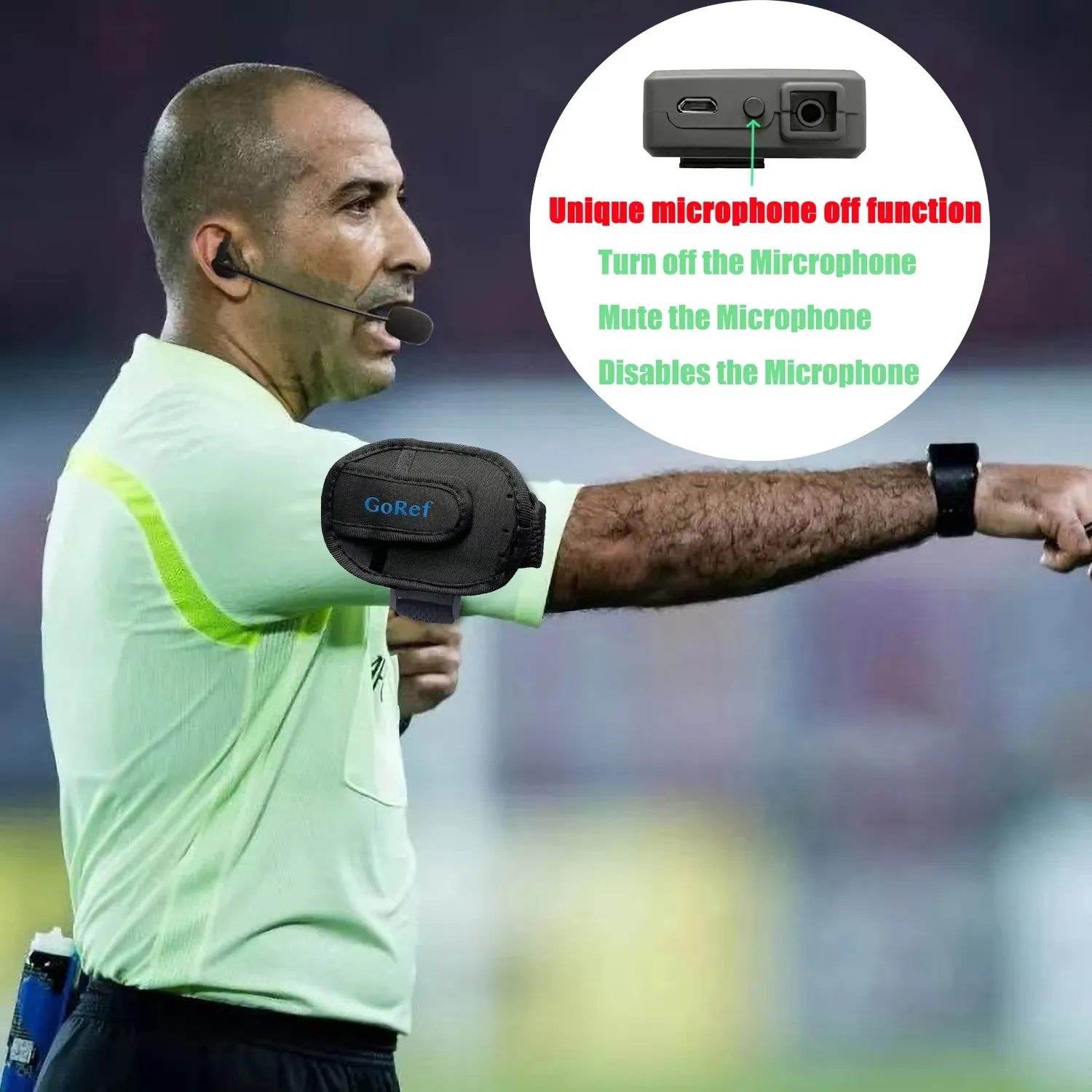
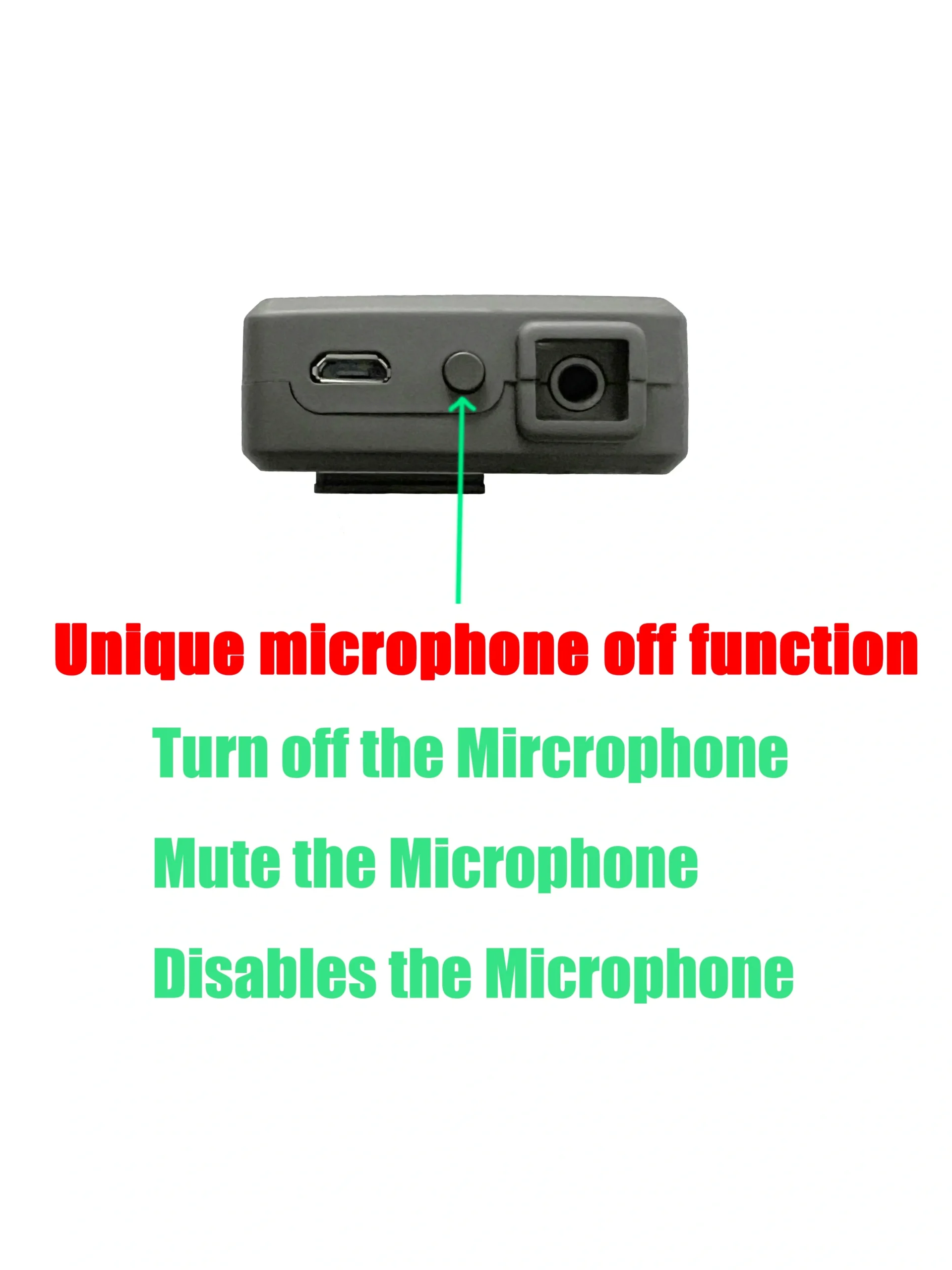
Q4: How do I mute my mic with one button?
A: Double-click the mute button at the bottom of the device. While muted, you can still hear other referees, but they won’t hear you. To unmute, just double-click the mute button again.




| Weight | 0.6 g |
|---|---|
| Dimensions | 24 × 15 × 8 cm |
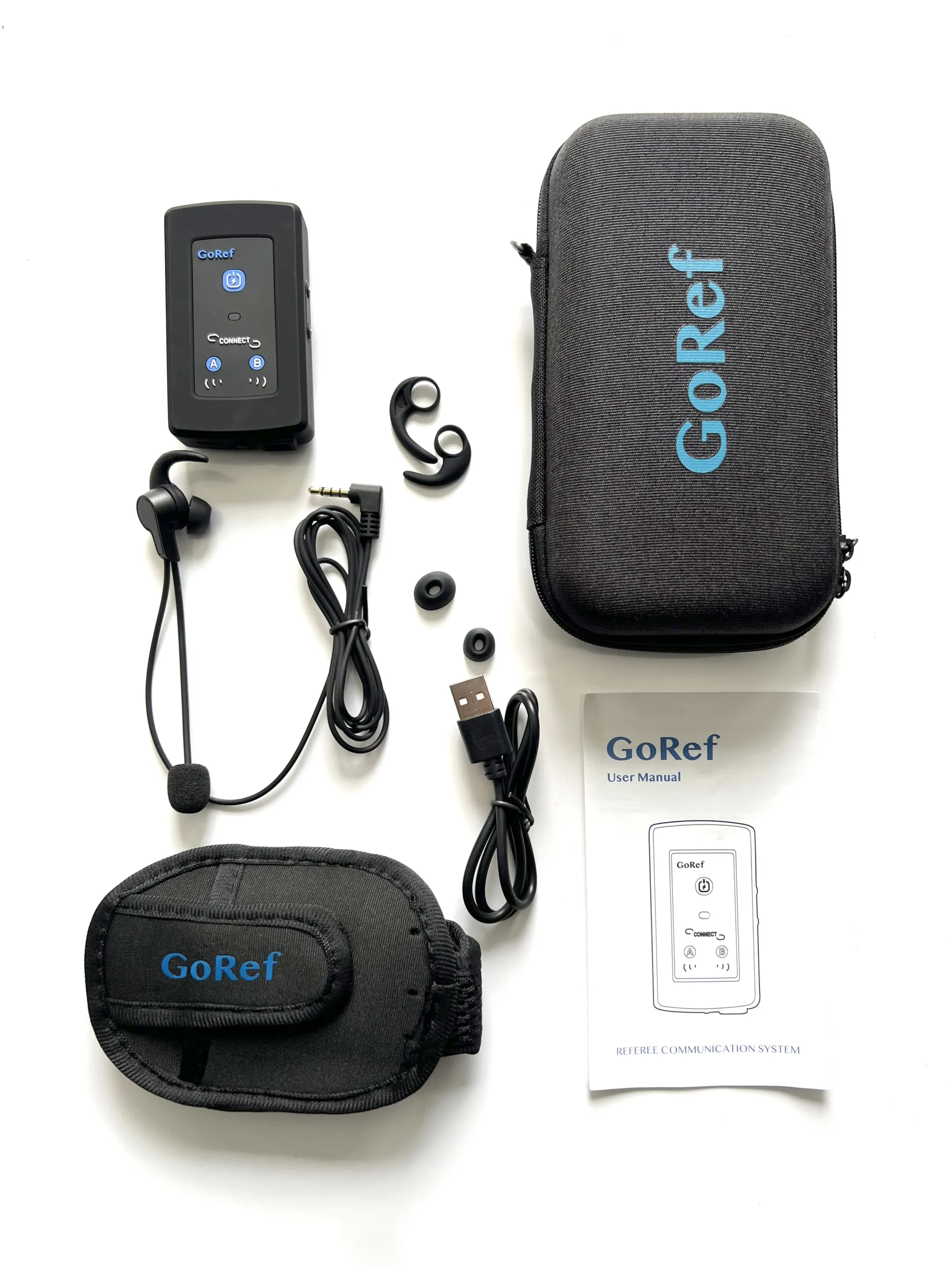
| Package | 1 Piece Set, 2 Pieces Set, 3 Pieces Set, 4 Pieces Set |
2 reviews for GoRef Referee Headsets Intercom 4 User Full-Dulplex Talking
You must be logged in to post a review.
Related products
-
Sale!Referee
4 Pieces Set GoRef Pro Referee Headsets 6 Users Talking Audio Record
Original price was: $796.00.$596.00Current price is: $596.00. This product has multiple variants. The options may be chosen on the product page -
Sale!
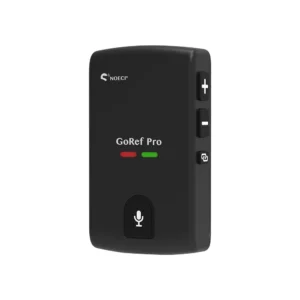 Referee
GoRef Pro Referee Headsets 6 Users Talking Audio Record
Price range: $149.00 through $894.00 This product has multiple variants. The options may be chosen on the product page -
Sale!GoRef Referee Intercom
GoRef Referee Headsets For Soccer Volleyball Full Duplex
Price range: $327.00 through $436.00 This product has multiple variants. The options may be chosen on the product page -
Sale!GoRef Referee Intercom
4 Pieces Set GoRef Football Soccer Referee Headset Bluetooth Intercom
Original price was: $480.00.$436.00Current price is: $436.00. This product has multiple variants. The options may be chosen on the product page
Cody Totten (verified owner) –
I highly recommend these radios – they left me super satisfied. The signal, and conversation quality are excellent, completely free from any noise or wheezing. The configuration and pairing process are incredibly easy. It’s a fantastic product, and I believe every referee should check it out.
Jacob Fred (verified owner) –
Receive it well. Very compact and lightweight, but very clear to hear and talk when using it on the field.